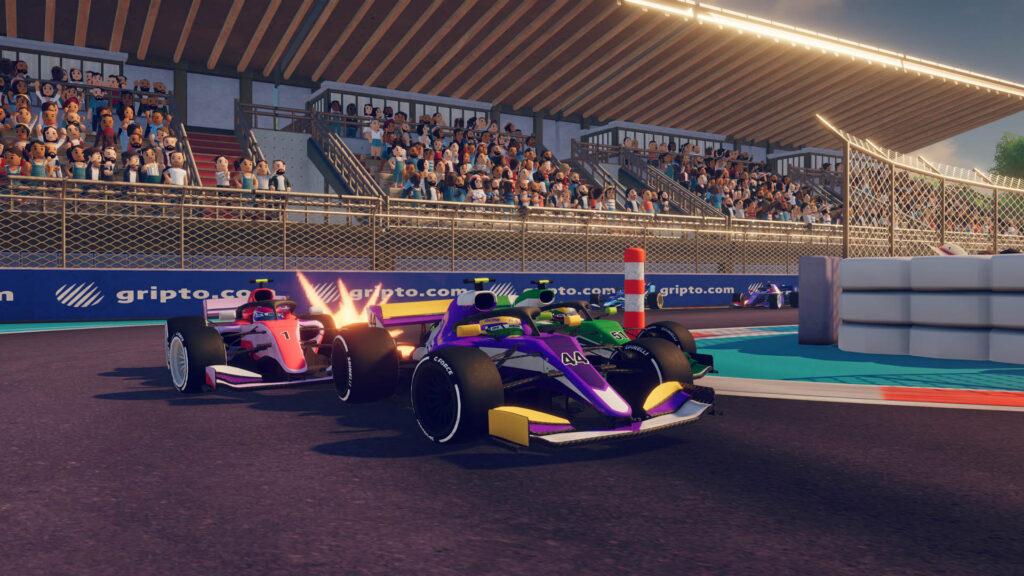

So, you’re ready to finally hit the virtual track! Your debut, should you choose to accept it, is at Lime Rock Park in the Fiat 500 Challenge—The first step in your iRacing Arcade career. You’ll be racing against 11 other computer opponents at whichever skill level you decide to compete in. Here are some of the keys to the race that you should know before taking the green flag.
At the start, these races are short, this opening round at Lime Rock Park set at three laps. The skill level that you choose—Amateur, Pro-Am, Pro, Master, Superstar, and eventually, Alien—is indicative of the prize money that you could potentially take back to your campus, but it’s not too big of a swing out of the gate.
If you’re not sure what skill level you are just yet, try some racing in Free Play to see how you stack up against the computer opponents.
CONTROLLING THE CONTROLS
iRacing Arcade can be played with a handheld controller or a computer keyboard. The controls on the controller depend on whether you use a PlayStation, Xbox, Steam, or other custom control, and can be ultimately customized by your Steam client.
The default controls for PlayStation and Xbox controllers are about what you would expect for a regular racing game controller, with a few added features for resetting the car or changing the graphics on screen up a smidge.
Gas = R2 (PS) / RT (Xbox) or X (PS) / A (Xbox)
Brake = L2 (PS) / LT (Xbox) or Square (PS) / X (Xbox)
Reverse = L2 (PS) / LT (Xbox)
Left/Right = D-Pad or Left side Joystick
Look Back = R3 (PS) / Right Stick (Xbox)
Toggle Overhead Names = R1 (PS) / RB (Xbox)
Switch between Full Standings = L1 (PS) / LB (Xbox)
Reposition = Triangle (PS) / Y (Xbox)
The controls on the keyboard are straight-forward as well.
Gas = W or Up Arrow
Brake/Reverse = S or Down Arrow
Left/Right = A/D or Left Arrow/Right Arrow
Look Back = Left ALT
Toggle Overhead Names = Left CTRL
Switch between Full Standings = TAB
Reposition = SPACEBAR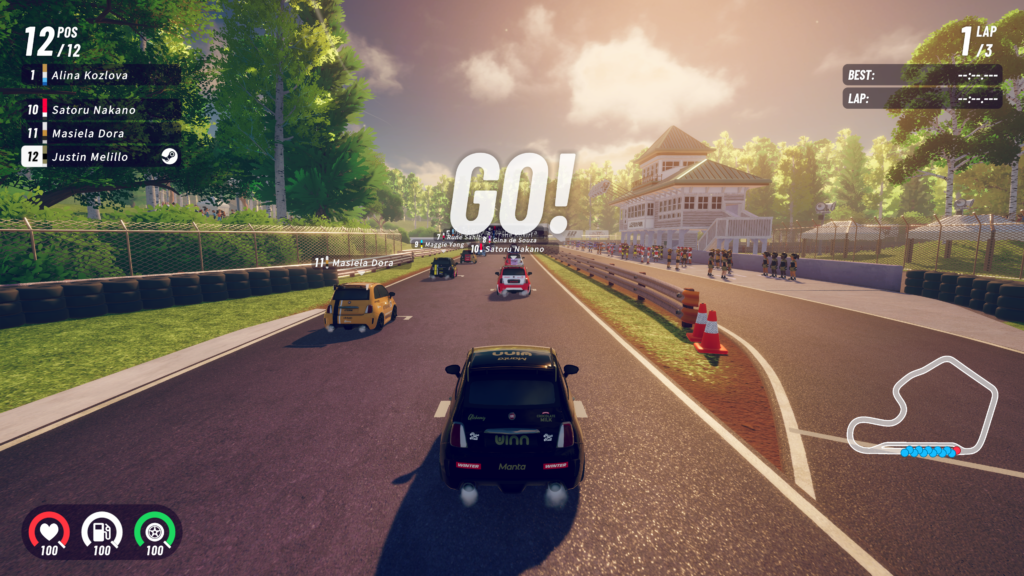
READY TO RACE
Finally, the track. You’ve been waiting for this moment your whole (iRacing Arcade) life. You’ll have to start last today, and truth be told, if you keep winning, you’re going to have to keep coming from the back in future races.
3… 2… 1… GO!
As you begin to move, you’ll notice that you’ve got information available all around your screen. The iRacing Arcade HUD basically offers useful information in all four corners.
In the top left is the standings, letting you know where you are running and where the rest of the field stands in relation. This can be either show the localized spots around you or the full standings. The top right will inform you what lap you are on, plus your best and most recent lap times. In the bottom right is the mini-map, your opponents being the blue circles to your red one. Finally, in the bottom left is your health, fuel level, and tire wear.
There are no 4x’s or Safety Ratings to worry about here, but if you hit something hard enough, your health level will decrease. The further that goes down, the slower your car will get. Your car also gets slower as the tires wear, with the grip almost completely disappearing when that number hits zero. The fuel level won’t be an issue in the early races in your career, but as the races get longer, there will be some events where you might need to come down pit road and take service. We’ll discuss pit road in a later article.
It goes by quick, so be aggressive, but smart about your moves. Off-Track penalties will set you back a couple of seconds, and if you get too much damage, you’ll be lacking in the speed department. Once you get the checkers, you will have officially completed your first race in the iRacing Arcade career!
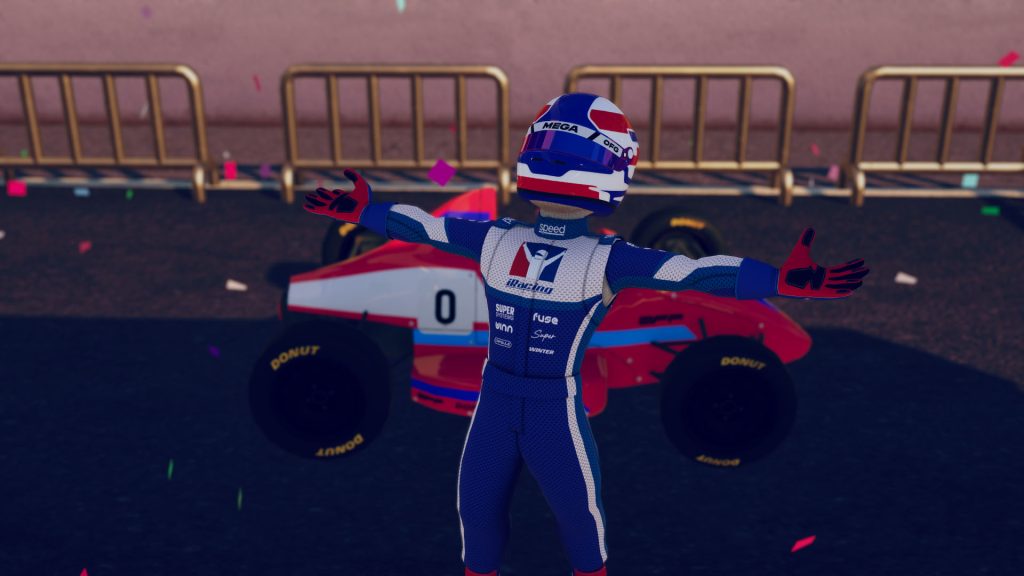
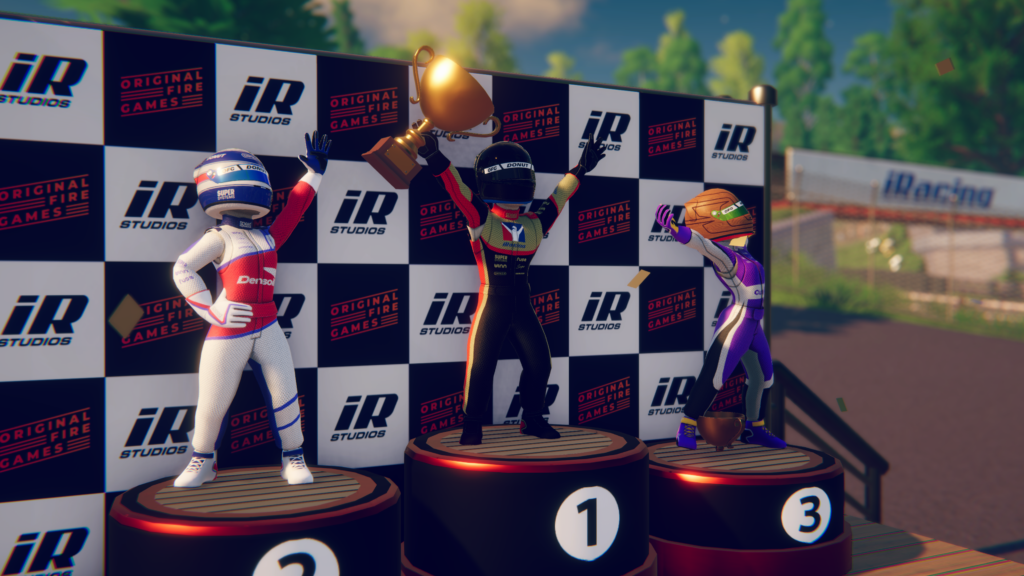
In each series, points are awarded through the field, the race winner collecting 20 points, and a bonus point is handed out to the driver with the fastest lap for a total of 21 maximum points per race. As it is in any race, the goal is to finish first and maximize your day, but as long as you finish on the podium, you’ll get to whip out a trophy on stage and celebrate at the end of the race.
As you progress your career, boosts will become available to equip during races. That comes with building out the buildings on your campus, which we’ll begin to talk about next week!
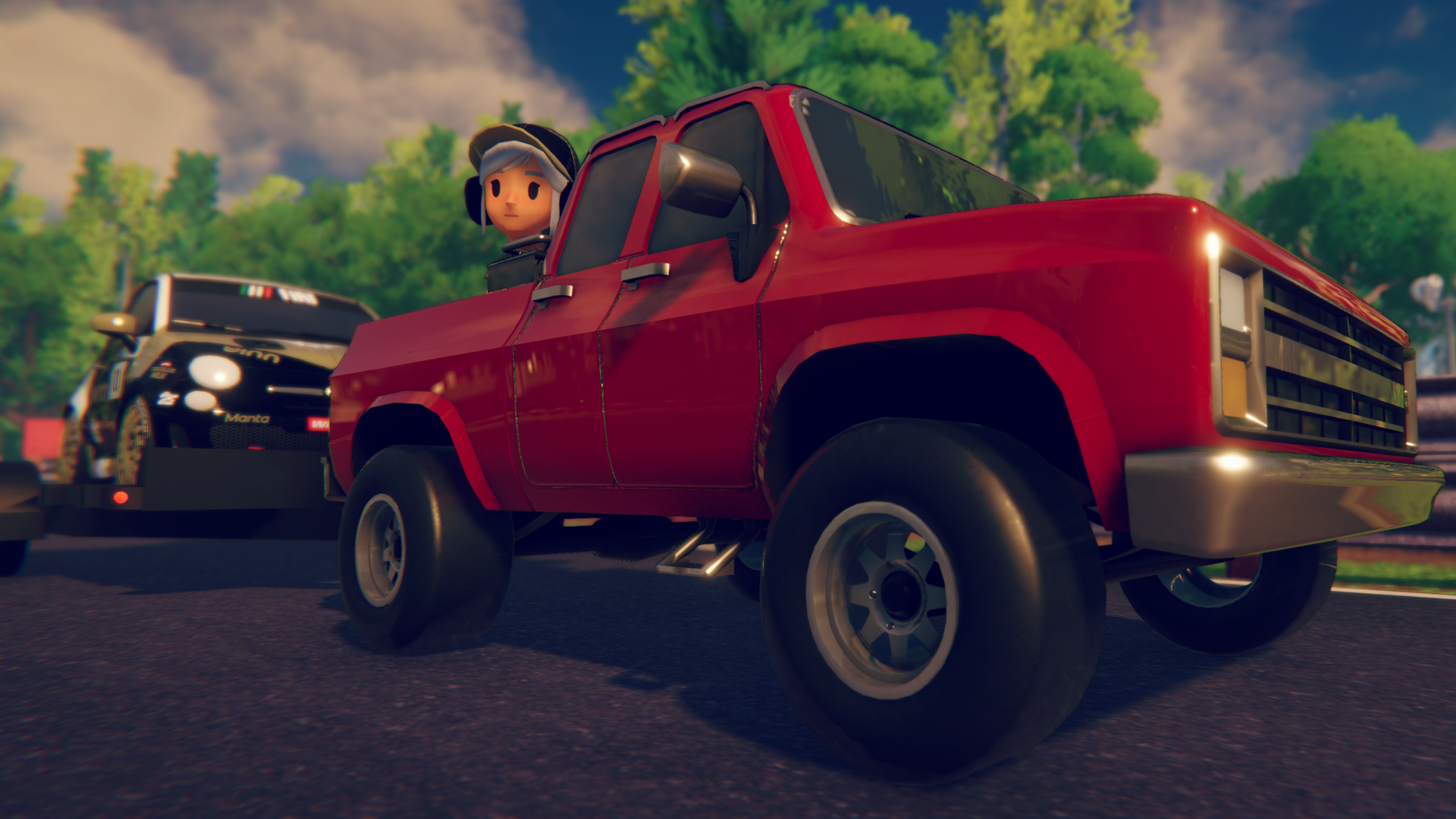
Once you’ve completed your first championship, it’s time to load up and head back to the Campus. It looks like a whole lot of nothing but trees and grass now, but soon, you’ll be able to build a motorsports paradise!
ONGOING TIME ATTACKS
- Time Attack #1: Motorland Aragon | Porsche GT3 Cup
- TIME TO BEAT: 43.712 seconds by LOWCROW.TTV
- Time Attack #2: Miami International Autodrome | GTP
- TIME TO BEAT: 34.693 seconds by YT | FINNASTRI
- Time Attack #3: Hermanos Rodriguez Circuit | Fiat 500
- TIME TO BEAT: 46.666 seconds by YT | FINNASTRI
Time Attacks can be accessed through the Multiplayer Tab on the Main Menu
Check back in on Tuesday mornings for our Weekly Career Mode walkthrough. Next week, it’s time to build a new Garage!
iRacing Arcade is available on Steam NOW, and it will also release on Xbox and PlayStation consoles later this year.
For more information regarding iRacing Arcade, visit www.iRacingArcade.com.
To learn more about iRacing Studios, visit iRacingStudios.com.