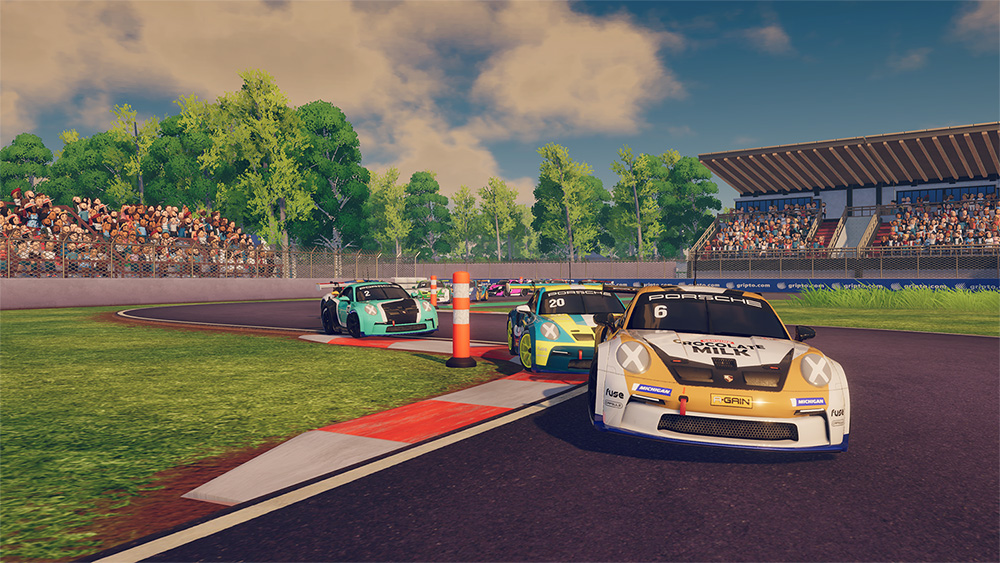

Congratulations on opening iRacing Arcade for the first time! Ready to begin your iRacing Arcade career? Let’s jump right in!
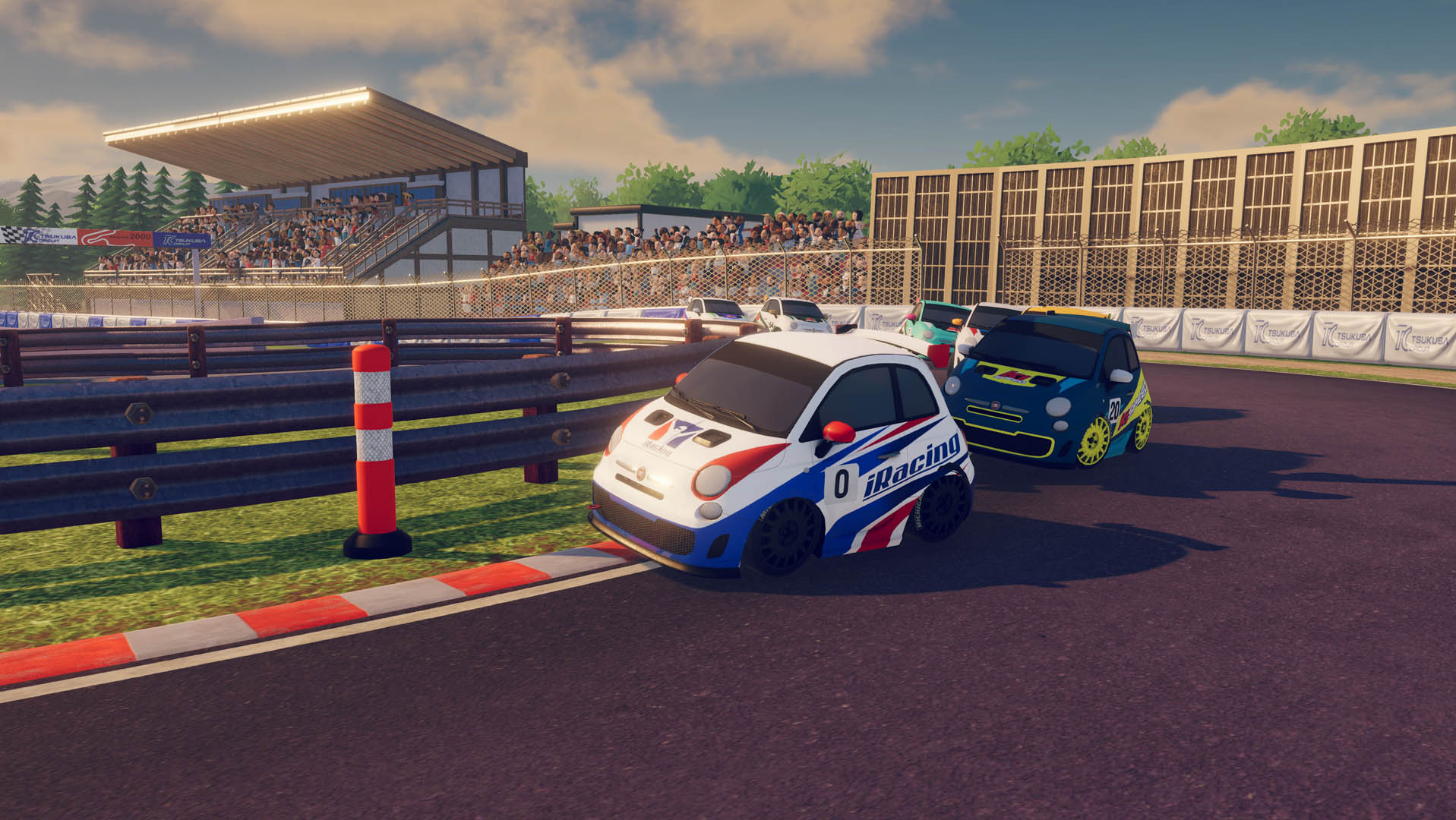
First things first, upon loading the game for the first time, you’ll be asked to complete the Licensing Exam. Utilizing the Fiat 500 at Maple Ridge, complete at lap under the time limit to pass. Once you’ve acquired your license, you’ll be welcomed to the main menu for the first time.
The top option in the main menu is the iRacing Arcade Career. Once you start, you won’t want to put it down. We apologize in advance.
It makes sense that following earning your license in that car, that the Fiat 500 Challenge is your first step on the ladder. Everyone starts with their own Fiat 500 to customize inside the starting Garage, a.k.a. the Barn. This is your starting point. Win or lose, it will only go up from here.
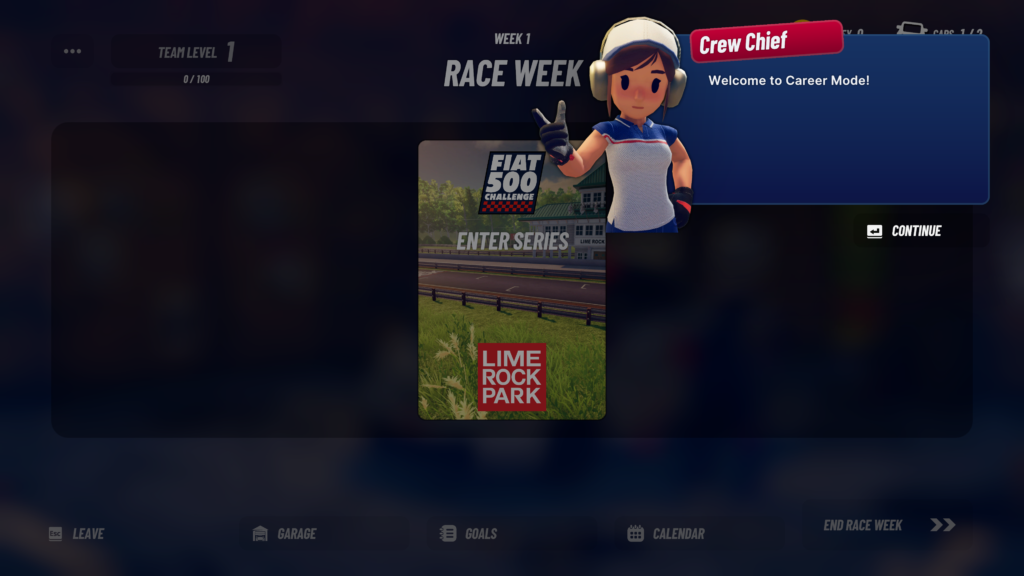
Before competing in your first race, it’s important to get familiar with this Race Week menu. On the top left, you’ll find your Team Level. Everyone starts at Level 1, and by achieving goals, you’ll add points to that experience bar, increasing your level as you continue your career. The highest level you can achieve at this point is Level 20. We’ll cover goals and advancing levels in a few weeks.
The top right displays your current Money level and Car count. Everyone starts off with the Fiat 500 in your Barn. You’ll unlock more cars as you go along. If you do well enough in some of the earlier championships, those cars will come as free gifts, however, later in the game, you’ll need to buy your own cars or run with the rentals.
You’ll also upgrade that Barn into bigger and better Garage spaces, which allow you to have more cars in your inventory. The cars that you own will be able to be equipped with Boosts before races, those boosts acquired through adding other buildings to your Campus, such as the R&D Center, or the Engine Shop. We’ll cover those later as well!
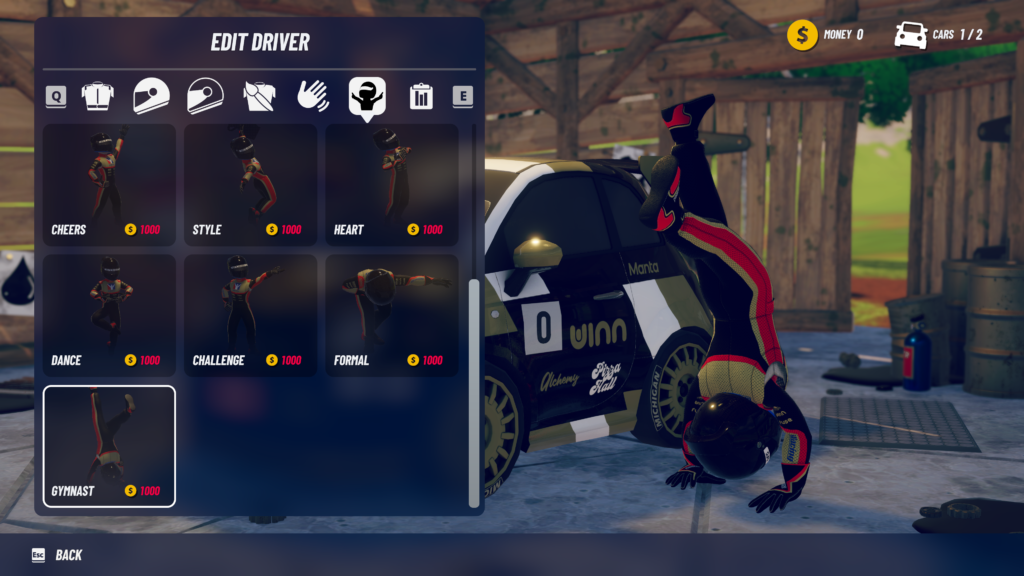
On the bottom row, you’ll be able to visit your Garage and customize your cars and drivers. Once you get money in the bank, you can also purchase new cars to add to your stable. Not only that, but in customizing those cars and your own driver, you can also purchase new suits, helmets, liveries, and more to make your team your own!
If you didn’t already see the Goals through clicking on the Team Level, you can also access Goals on the bottom row as well. To the right of that is the Calendar, which shows the season overview, displaying all of the racing that you can jump in on currently. Each season works on a 13-week schedule, with 12 weeks of official racing and a bonus 13th week special event… if you know, you know.
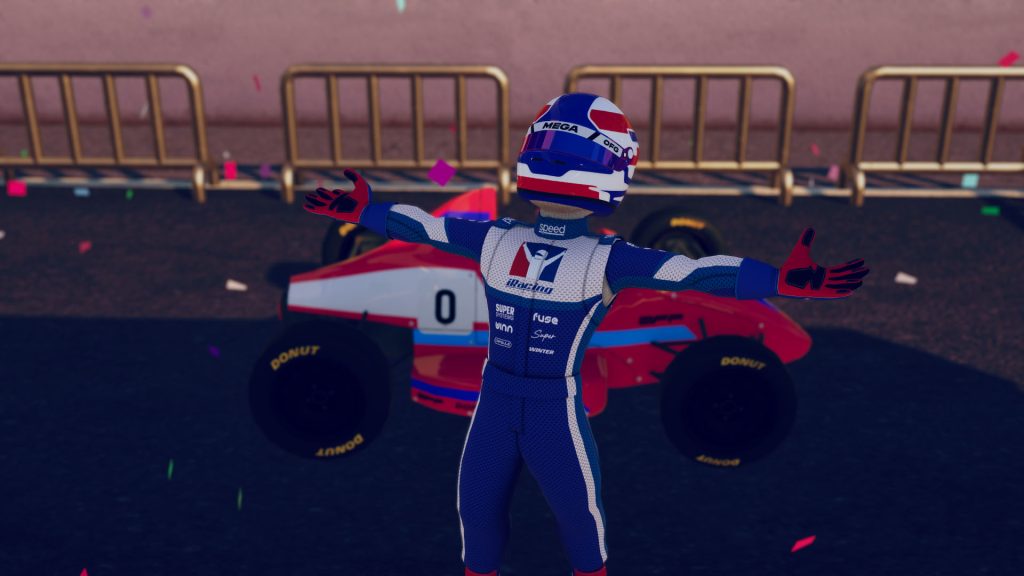
Once you’ve customized your character, changed the colors on your car, and most importantly, set your number (just my opinion, but I didn’t want to be a zero!), it’s time to get out there and race!
First up… your Fiat 500 debut at Lime Rock Park…
ONGOING TIME ATTACKS
- Time Attack #1: Barber Motorsports Park | GTP
- TIME TO BEAT: 32.983 seconds by YT | FINNASTRI
- Time Attack #2: Miami International Autodrome | Touring Car
- TIME TO BEAT: 43.062 seconds by SHILLIPPE
- Time Attack #3: Kyalami Grand Prix Circuit | Touring Car
- TIME TO BEAT: 46.374 seconds by YT | FINNASTRI
Time Attacks can be accessed through the Multiplayer Tab on the Main Menu
Check back in on Tuesday mornings for our Weekly Career Mode walkthrough. Next week, it is finally time to take on a race in our career!
iRacing Arcade is available on Steam NOW, and it will also release on Xbox and PlayStation consoles later this year.
For more information regarding iRacing Arcade, visit www.iRacingArcade.com.
To learn more about iRacing Studios, visit iRacingStudios.com.